Kitchen Display.
Replace paper dockets with live, station-aware kitchen screens.
Route orders instantly, track prep timing, and fire courses with control. Native to Becas POS and built for busy Australian kitchens.
Native Becas POS integration · IP-rated displays · Local support
Fires in milliseconds
Orders appear on the line instantly — terminal, handheld, kiosk, QR, or online.
Multi-station routing
Hot, cold, bar, dessert — each station sees only what it cooks.
Live prep timers
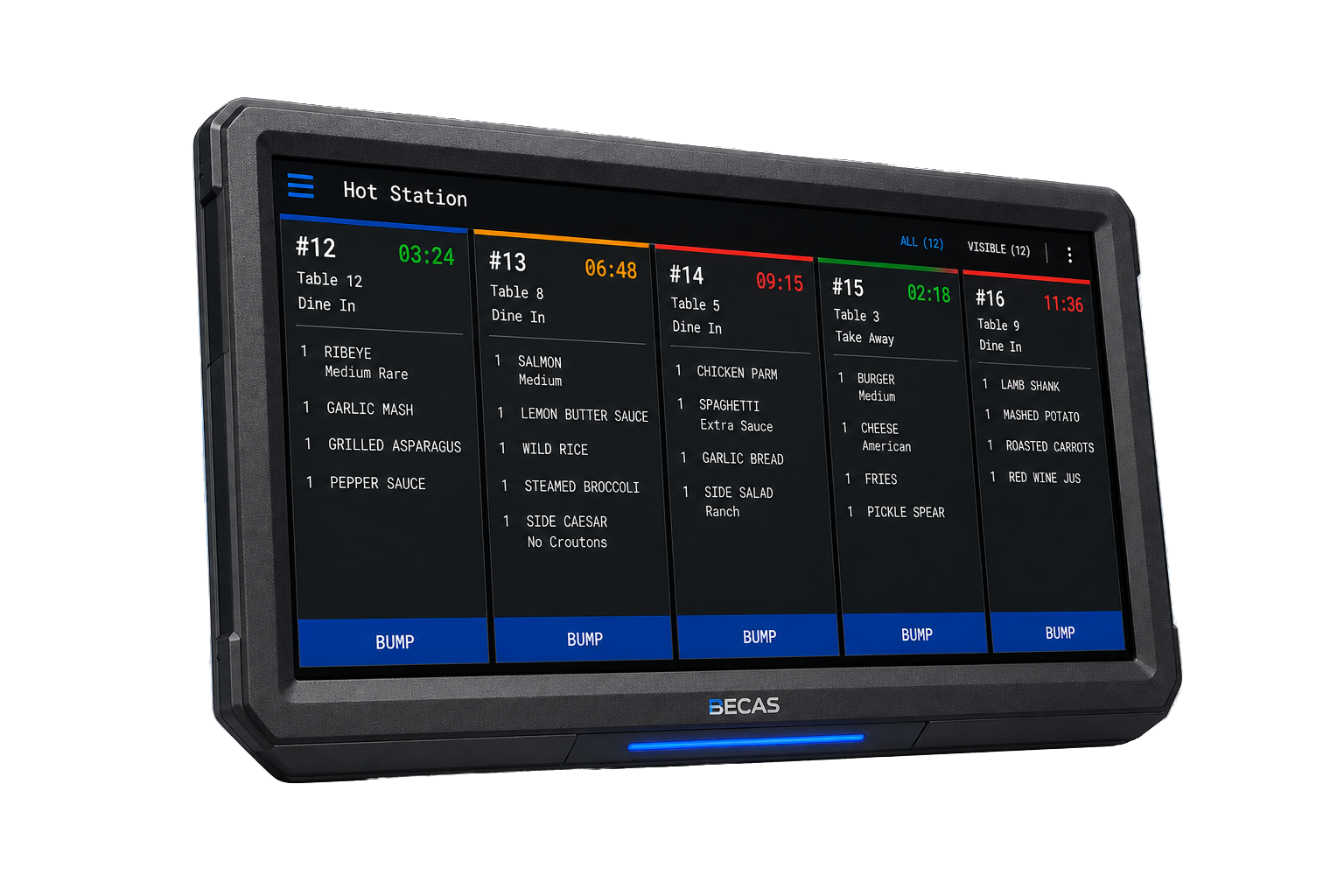
Colour-coded timers per ticket so nothing sits past its window.
Offline-resilient
Keeps firing on the local network when the internet goes down.
Tickets in milliseconds. No paper. No yelling.
The Becas KDS replaces every kitchen ticket with a screen that updates the moment an order is rung — from a terminal, handheld, kiosk, QR menu, or online site. Mains, cold, bar, and dessert each route to their own screen. The line stays tight, the bar stays ahead, the pass knows what's up.
Every station sees its own line.
Every detail is built around the way kitchens actually run — colour-coded timers, course firing, item-level routing, and one-tap bumps.

See the order that's running long.
Green, yellow, red — per ticket and per item. Catch it before the floor does.

Hot, cold, bar, dessert.
Item-level mapping pushes the right work to the right screen, automatically.

Entrees away. Mains, on call.
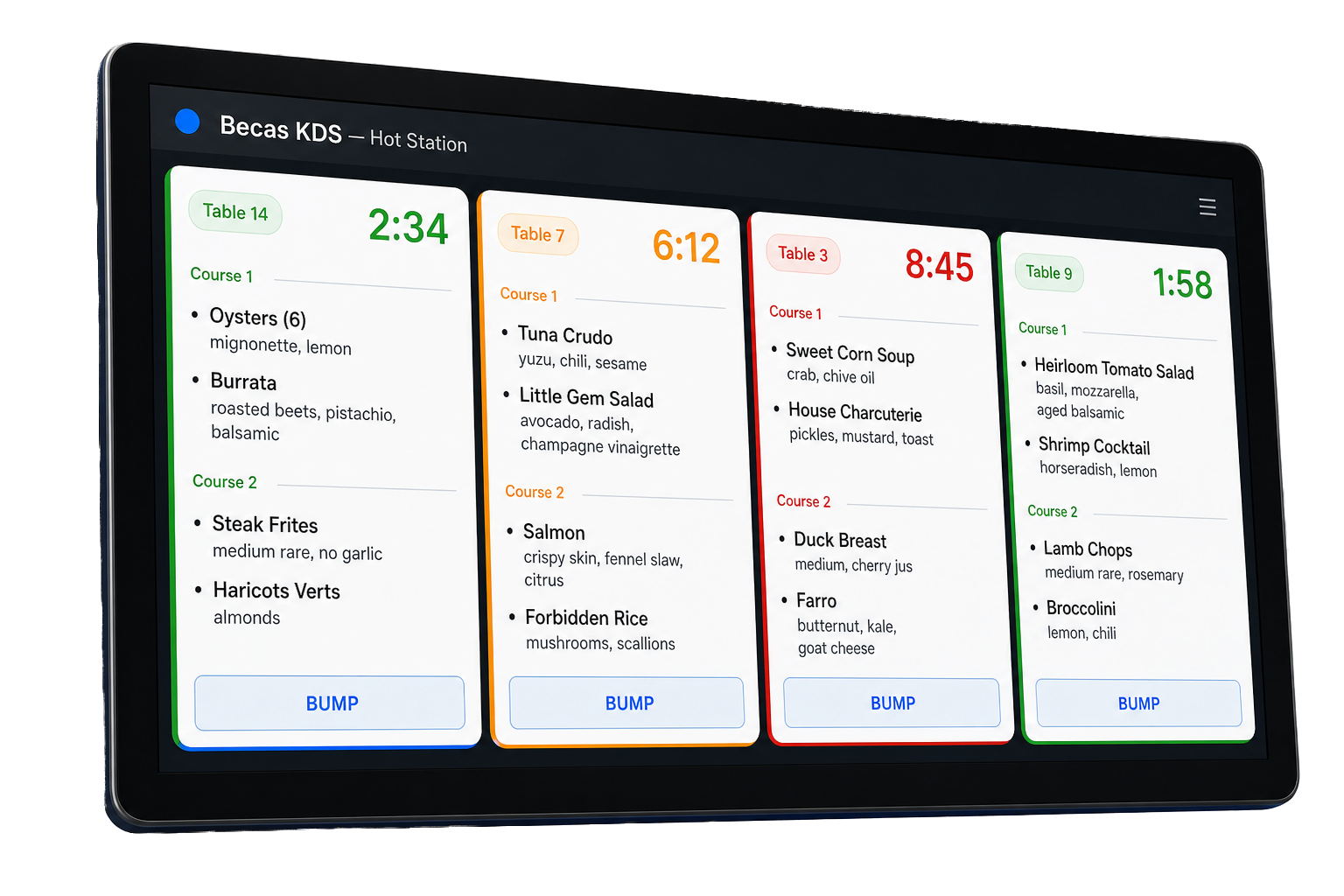
One tap on the floor fires the next course — the kitchen sees it immediately.

Hands-free at the pass.
Bump bar finishes tickets. One tap brings back the last bumped order on a remake.
Real-time the way kitchens need it.
Orders appear on the kitchen displays within milliseconds of being rung in — anywhere on the floor, from any device on the Becas platform.
Heat- and steam-resistant displays, industrial-grade mounts, and bump bars for hands-free workflow. Built to live above the line, on the pass, or wherever the kitchen needs them.
- Sub-300ms ticket delivery from POS to KDS
- Heat- and steam-resistant kitchen monitors
- 15", 19", 22", and 27" screen options
- Bump bar support for hands-free completion
Tickets fire before I've finished writing the modifier. The line just got quieter.
Average ticket-time drop after switching from paper to KDS.
Bump bar in hand, station-routed tickets on screen, prep times visible to the pass — the line stops waiting on the printer and the kitchen claws back real seconds on every cover.
Each station sees only what it cooks.
Map every item on your menu to a station: hot, cold, bar, dessert, pizza, or any custom station you define. When an order is sent, the right items land on the right screens automatically.
Servers don't think about routing. Bartenders don't see dessert orders. The pass sees the whole order. Everyone gets exactly what they need.
- Item-level station mapping
- Custom stations per venue type
- Section-aware routing for multi-line kitchens
- Cross-station view at the pass for expediters
Configured for your line.
Same Becas KDS, different configurations — set up per venue and per kitchen type.
Full-service restaurants
Course firing, table-aware routing, expediter screens at the pass, prep-time tracking by section.
Cafes & QSR
Fast-turn tickets, simple bump flows, kiosk and online orders fully integrated.
Bars & breweries
Bar-only displays with quick drink modifiers, separate from kitchen routing, with table awareness.
Clubs & hotels
Multi-outlet kitchens with shared expediter screens. Function and event order separation.
Priced to the line you actually run.
Number of stations, screen sizes, bump bar count, mounting, and routing config — every kitchen is a different scope. Pricing is built to that scope.
Custom pricing — talk to sales.
Kitchen monitors, bump bars, mounts, routing configuration, and KDS software. We'll scope it to your kitchen and your service times.
Sharper rates when KDS goes with POS.
KDS is at its best paired with Becas POS terminals and handhelds. Bundling the platform locks in better hardware pricing and an integrated rollout.
Add hardware wherever you need it
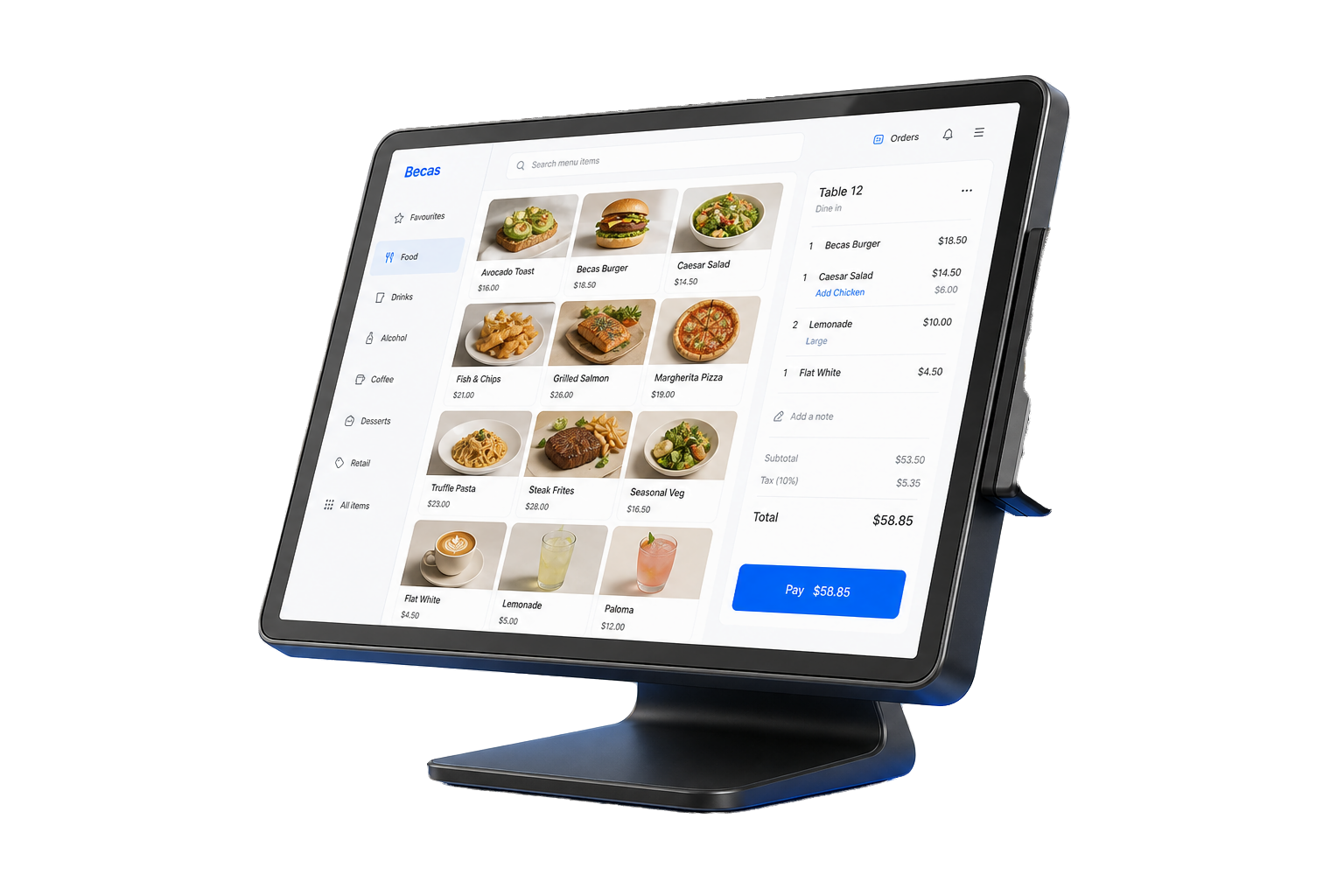
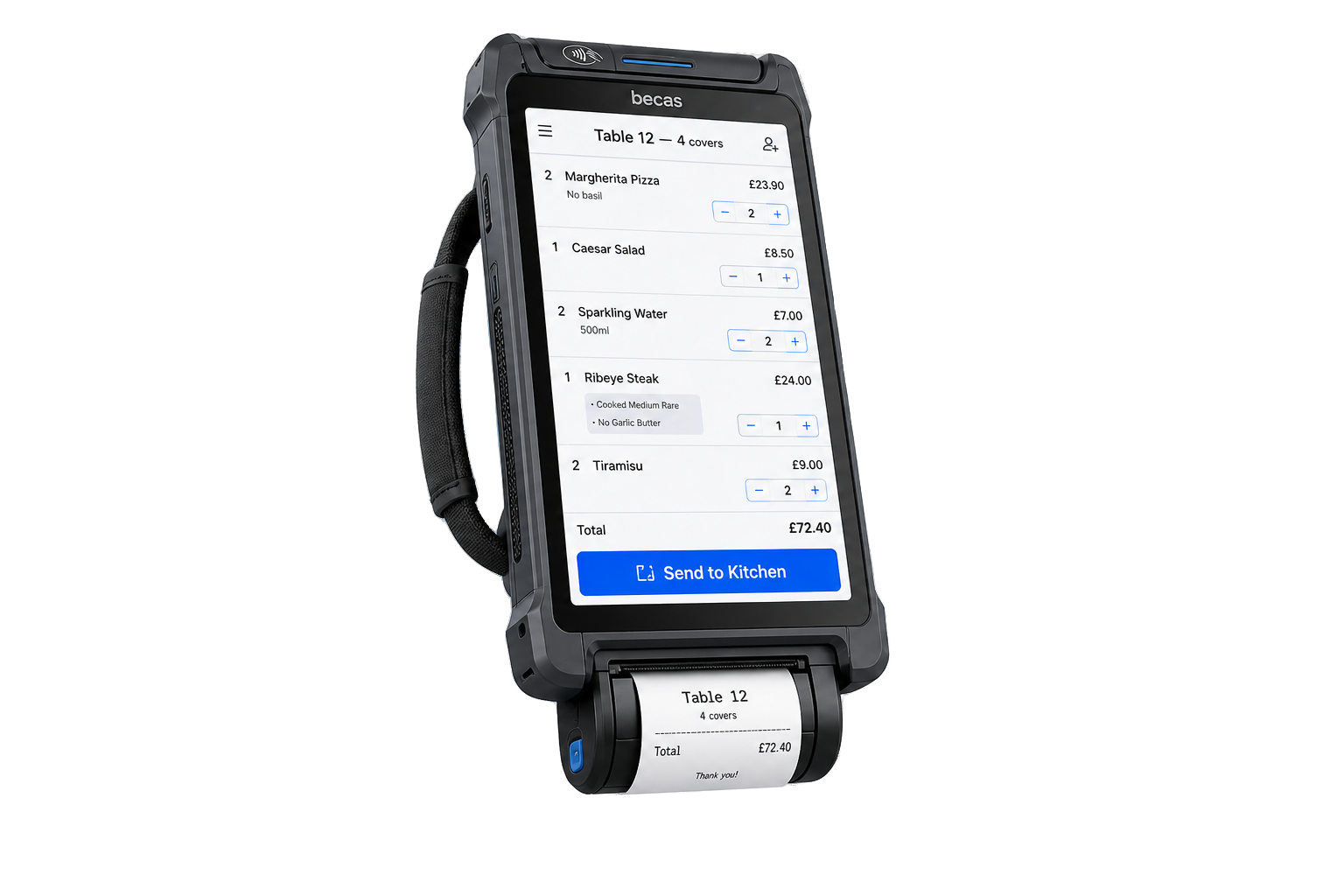
KDS works on its own, but it's at its best when paired with POS terminals, handhelds, and online ordering.
Let's design the right KDS layout for your kitchen.
Tell us about your menu, your stations, and the way your line runs. We'll scope the right number of screens, mounts, and routing rules.